Why This Matters
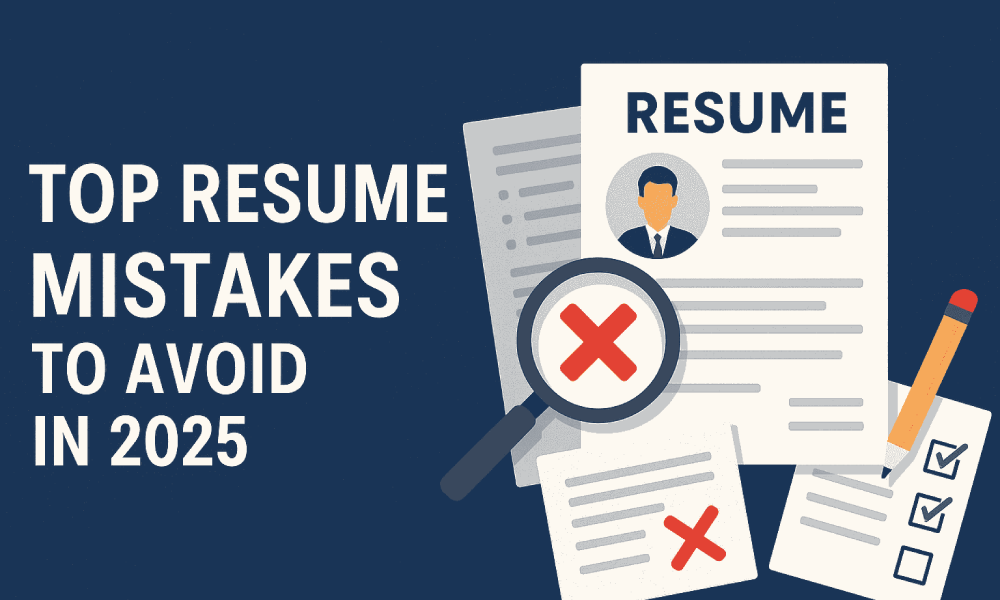
In 2025, hiring managers scan resumes in under 8 seconds. Your resume isn’t just a document—it’s your first impression. Sadly, many students still make basic (but costly) mistakes that reduce their chances of even getting an interview.
🚫 Top 10 Resume Mistakes Students Still Make in 2025
- Using an Outdated Design or Word Template
- Including a Photo in the Resume (India-specific)
- Buzzword Overload (Without Proof)
- Generic Objective Statements
- Ignoring Keywords from the Job Description
- Weak Formatting & Lack of White Space
- Listing Irrelevant or Outdated Info
- Typos, Grammar Errors, and Wrong Tenses
- No Action Verbs in Bullet Points
- Too Long or Too Short
- Using an Outdated Design or Word Template
- ❌ Problem: Resumes made in Microsoft Word using 2010 templates look outdated and hard to scan.
- ✅ Fix: Use modern tools like Canva, Zety, or NovoResume for clean, ATS-friendly layouts.
- Including a Photo in the Resume (India-specific)
- ❌ Problem: Adding photos may lead to bias and distract from skills.
- ✅ Fix: Skip the photo unless applying to creative or international roles where it’s expected.
- Buzzword Overload (Without Proof)
- ❌ Problem: “Hardworking”, “Team Player”, “Go-getter” – but no examples.
- ✅ Fix: Show it. Example: “Led a team of 5 to develop a campus-wide survey with 1,200+ responses.”
- Generic Objective Statements
- ❌ Problem: “To secure a challenging position…” — overused and vague.
- ✅ Fix: Replace with a 2-line
- Summary Statement focused on your strengths and goals.
- Summary Statement focused on your strengths and goals.
- Ignoring Keywords from the Job Description
- ❌ Problem: Resume doesn’t match the words used in the job post.
- ✅ Fix: Customize each resume using keywords from the specific JD (Job Description). This boosts ATS compatibility.
- Weak Formatting & Lack of White Space
- ❌ Problem: Large paragraphs, no bullet points, tight margins = messy resume.
- ✅ Fix: Use bullet points, consistent fonts, and 1-inch margins. Recruiters appreciate clarity.
- Listing Irrelevant or Outdated Info
- ❌ Problem: Mentioning class 10th marks, school captaincy, or outdated tech (MS Paint, Tally ERP 9).
- ✅ Fix: Focus on college achievements, internships, skills, and relevant certifications.
- Typos, Grammar Errors, and Wrong Tenses
- ❌ Problem: “Managed social media’s” or “Was leader of a team which…”.
- ✅ Fix: Use Grammarly or Hemingway to proofread. Always use past tense for old roles and present tense for current.
- No Action Verbs in Bullet Points
- ❌ Problem: Passive tone like “responsible for sales”
- ✅ Fix: Begin every bullet with power verbs like:
- Led, Analyzed, Executed, Optimized, Researched, Built
- Led, Analyzed, Executed, Optimized, Researched, Built
- Too Long or Too Short
- ❌ Problem: 3-page resume for a fresher or a 1/4th page with only a name and education
- ✅ Fix: Keep it 1 page with concise but rich content tailored for the job/field.
🧠 Bonus: What to Include in a Perfect Student Resume
| Section | What to Include |
|---|---|
| Header | Name, Email, LinkedIn, Phone, Location |
| Summary | 2-line career intro |
| Education | Degree, year, %/CGPA |
| Experience | Internships, live projects, part-time jobs |
| Skills | Software/tools (e.g., Excel, Canva, Python), soft skills |
| Certifications | Google/HubSpot/Coursera/Internshala, etc. |
| Projects (Optional) | Only if relevant to role applied for |
🔍 Tools to Build Great Resumes in 2025
- ✅ Canva Resume Builder
- ✅ Zety Resume Builder
- ✅ Overleaf (for LaTeX resumes)
- ✅ Grammarly – for grammar & tone checking
Avoiding common resume mistakes in 2025 is not about perfection—it’s about clarity, proof, and personalization. With the right structure and real examples, even a fresher resume can stand out from the crowd.