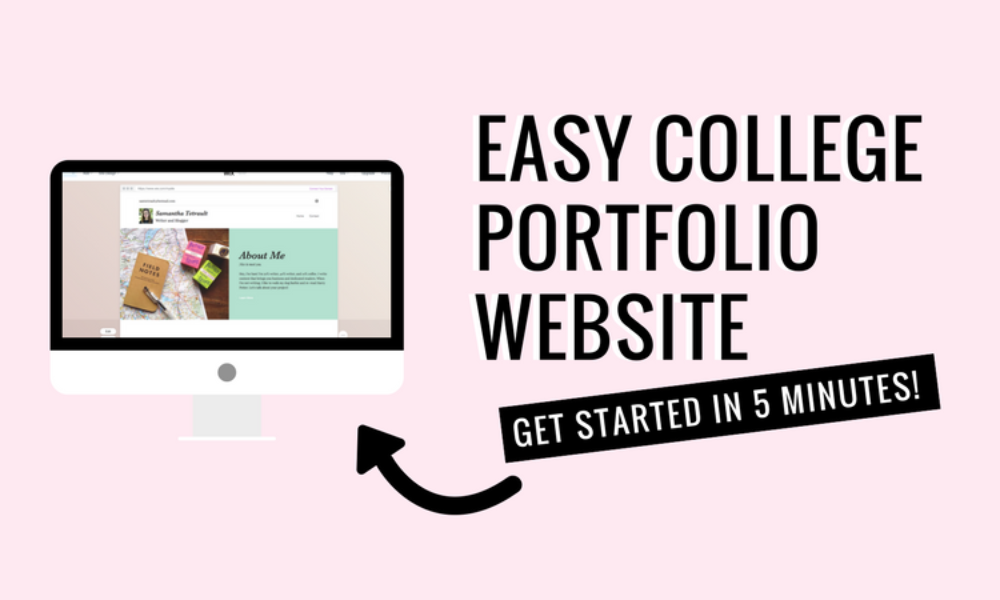
🎯 Why Every Student Needs a Portfolio in 2025
In a competitive job and internship market, your portfolio is your personal brand. It shows your skills, projects, achievements, and personality beyond a plain CV. Recruiters love candidates who go the extra mile with a personal website—even better if it’s clean, functional, and live.
🧰 Tools to Build a Portfolio Website (No Code Needed)
| Tool | Type | Free Plan |
|---|---|---|
| Notion + Super.so | Personal, minimal, easy to update | ✅ |
| Canva Sites | Visual, fast, drag & drop | ✅ |
| Webflow | Professional-looking, portfolio-ready | ✅ |
| Carrd | Single-page site builder | ✅ |
| Google Sites | Basic and quick for resumes | ✅ |
📁 What to Include in a Student Portfolio Website
| Section | What to Add |
|---|---|
| Home | Brief intro, headshot, tagline (“CS Student |
| About Me | Academic background, interests, soft skills |
| Projects | GitHub links, live demo, screenshots, tech stack used |
| Resume | Downloadable PDF link or embedded resume |
| Skills & Tools | Canva, Python, Excel, Google Analytics, etc. |
| Contact | Email, LinkedIn, maybe a form |
| Blog (Optional) | Write about your learning journey or reviews of tools/courses |
🛠️ Step-by-Step: Build a Portfolio Website on Notion (Free)
✅ Step 1: Create a Notion Page
- Use a template like “Student Resume” or start from blank
- Add your name, intro, and clean headings like Projects, Resume, About Me
✅ Step 2: Add Your Projects
- For each project:
- Title
- 2-line description
- Tech used
- GitHub or live link
- Screenshots if possible
✅ Step 3: Publish with Super.so or Fruition
- Super.so: Connects to Notion and gives you a clean website
- Fruition: Free + lets you add custom domain if needed
🔗 super.so | fruition
🎨 Optional: Build with Canva Sites
- Go to Canva.com > Websites
- Use drag-and-drop templates
- Ideal for students from non-tech backgrounds (designers, writers, marketers)
- Add sections → publish → get a live link for free
🔑 Tips to Make Your Portfolio Stand Out
- 🖼️ Use your own profile picture (not selfies)
- 🧪 Highlight real-world projects, not just coursework
- 🎯 Keep it 1-page scroll if using Carrd or Canva
- 💡 Add a section called “Currently Learning” to show curiosity
- 📍 Link your site in resume, LinkedIn bio, and job applications
📝 Sample Tagline Ideas for Homepage
- 🚀 “MBA Student | Aspiring Product Manager | Problem-Solver”
- 💡 “Frontend Developer | React | UI/UX | Tech Blogger”
- 🎨 “Designer by passion, Student by profession”
A personal portfolio website is your digital first impression. In 2025, you don’t need coding skills—just intent, creativity, and consistency. Use Notion, Canva, or Carrd to get your site live in a few hours and unlock real career visibility.