Why Students Need a Design Tool in 2025
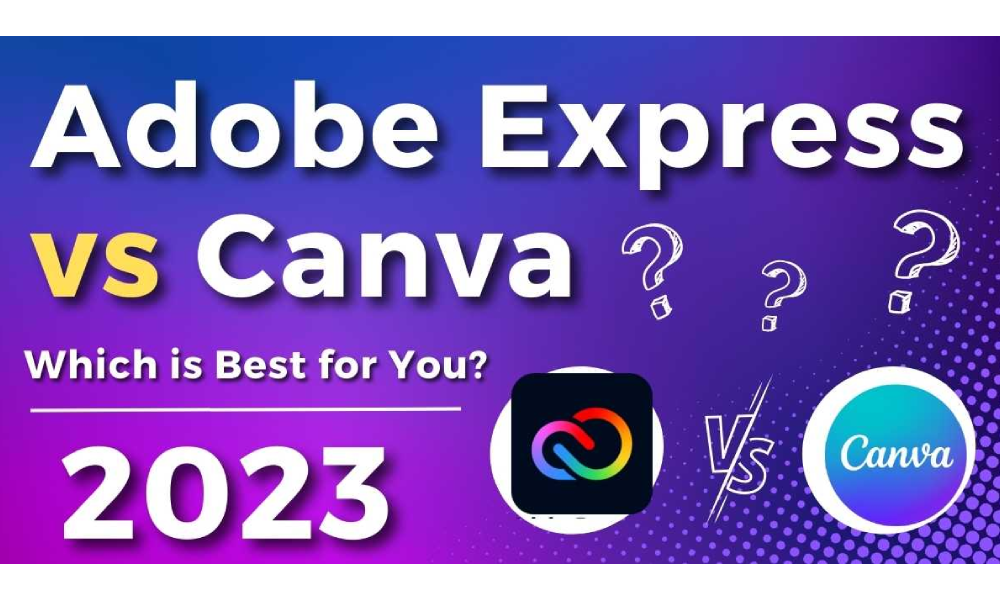
Whether you’re working on a college presentation, social media post, portfolio, or a startup idea, having a reliable design platform is essential. Both Canva and Adobe Express offer powerful, free tools made for non-designers—but which one should you use?
Here’s a side-by-side breakdown with features, pricing, use cases, and recommendations.
Canva vs Adobe Express – Quick Overview
| Feature | Canva | Adobe Express |
|---|---|---|
| Templates | 250,000+ | 100,000+ |
| Platform | Web, Android, iOS, Desktop | Web, Android, iOS |
| Ease of Use | Extremely beginner-friendly | Slightly more professional UI |
| Animation Tools | ✅ Available (Pro+) | ✅ Limited but smooth |
| Video Editor | Basic, easy-to-use | Basic + Adobe Premiere sync |
| File Types | PNG, JPG, MP4, PDF, SVG | PNG, JPG, MP4, PDF |
| Background Remover | Pro only | Free & Pro |
| Price (Student Use) | Free & ₹499/month Pro | Free & ₹799/month Premium |
Canva: Ideal for Students Who Want Simplicity
✅ Pros:
- Drag & drop simplicity
- Massive free template library
- Instant access to social media sizes (Reels, LinkedIn post, resumes, posters)
- Easy video editing
- Team collaboration features
❌ Cons:
- Free plan has watermark on some elements
- Background remover, magic resize = Pro only
- Slightly basic for professional designers
🎓 Best for:
- School projects, college assignments
- Instagram posts, resume building
- Freelancing beginners
Adobe Express: Ideal for Students Who Want Creative Power
✅ Pros:
- Sleek Adobe-like UI
- Built-in content scheduler (Pro)
- Works well with Creative Cloud (Photoshop, Illustrator)
- AI-powered quick actions: background removal, content resize
- Richer typography options
❌ Cons:
- Slightly longer learning curve
- Requires Adobe login
- Smaller template collection
🎓 Best for:
- Students in design, marketing, architecture
- Those who already use Adobe tools
- Portfolio and personal brand creators
Real-World Comparison: Resume Design
| Tool | Canva | Adobe Express |
|---|---|---|
| Free Resume Templates | 100+ | 40+ |
| Custom Font Upload | Pro | Free |
| Export Options | PDF, PNG | |
| Mobile Editing | Smooth | Slightly heavier UI |
Pricing (2025, India)
| Plan | Canva | Adobe Express |
|---|---|---|
| Free Plan | ✅ Yes | ✅ Yes |
| Student Discount | ✅ Available on request (via EDU email) | ✅ Adobe Education Program |
| Premium Cost | ₹499/month | ₹799/month (with cloud sync) |
Tip: Canva offers better value for pure beginners. Adobe is more “scalable” if you later learn Photoshop or Illustrator.
Final Verdict: Which One Should You Choose?
| If you’re a… | Choose Canva if… | Choose Adobe Express if… |
|---|---|---|
| School/college student | You need quick templates and easy tools | You want premium results + Adobe ecosystem |
| Social media creator | You want viral posts, Reels, thumbnails | You want slick carousels + content scheduling |
| Aspiring designer | You’re learning basic design | You plan to switch to Photoshop or Illustrator |
| Resume/job seeker | You want ready-to-use formats | You want font-heavy, minimal styles |
Both Canva and Adobe Express are incredible tools in 2025—but the best one depends on your goal. If you need plug-and-play visuals, go with Canva. If you want to grow into advanced Adobe tools, start with Express.